A clean workflow beats a fancy monitor. Prep the entry, push with control, record defects with distance notes, then clean the kit so the next run does not start with a dead head.
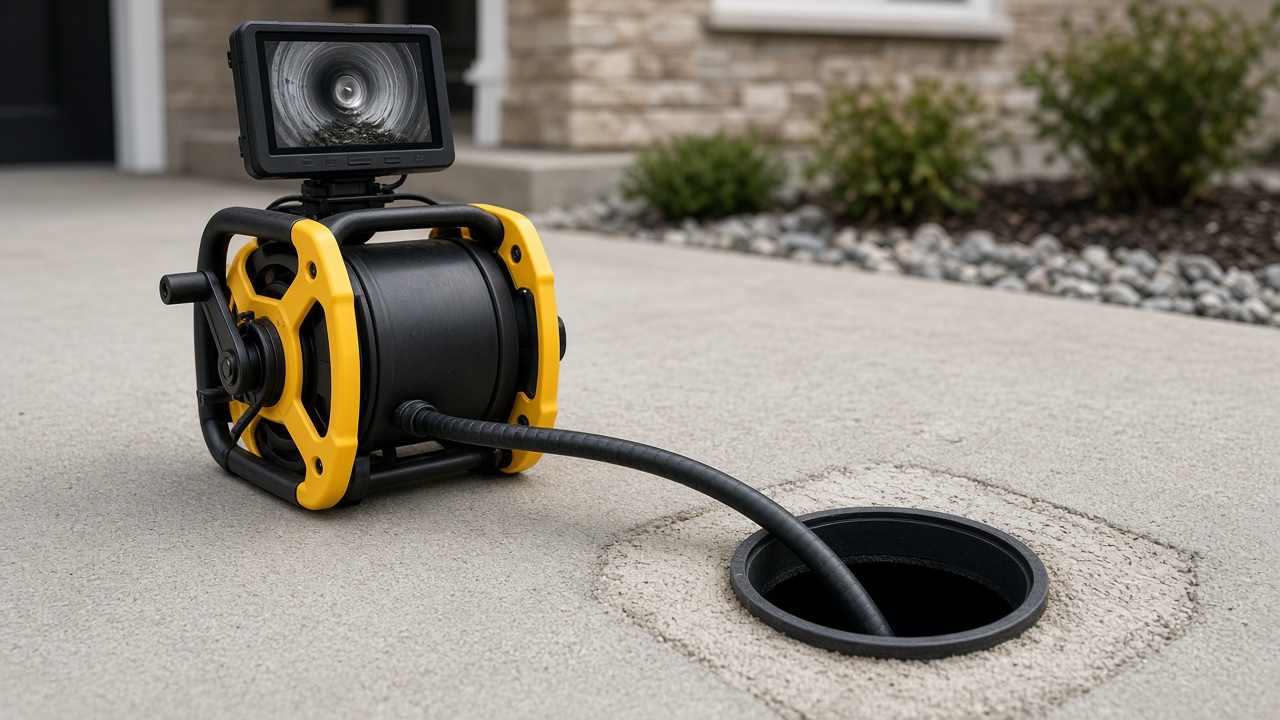
Before you push
- Confirm access rightsLegal cleanout / permission. No access = hire.
- Check conditionsIf sewage is pressuring into living space, stop and call a pro.
- Prep power & mediaCharge batteries; format SD; test LEDs and recording.
- Fit skids if neededLarge pipe + tip-diving head = use guide skids.
- Zero distanceAt the entry, zero the counter; note cable marks.
During the run
- Feed steadilyDo not force past a hard stop.
- Tune lightingReduce glare on wet PVC; increase in dark clay.
- Pause on defectsNarrate or note distance; save a clip.
- Locate if neededHold at the defect; scan the surface with the receiver.
- Retract with carePull slowly through known edges and offsets.
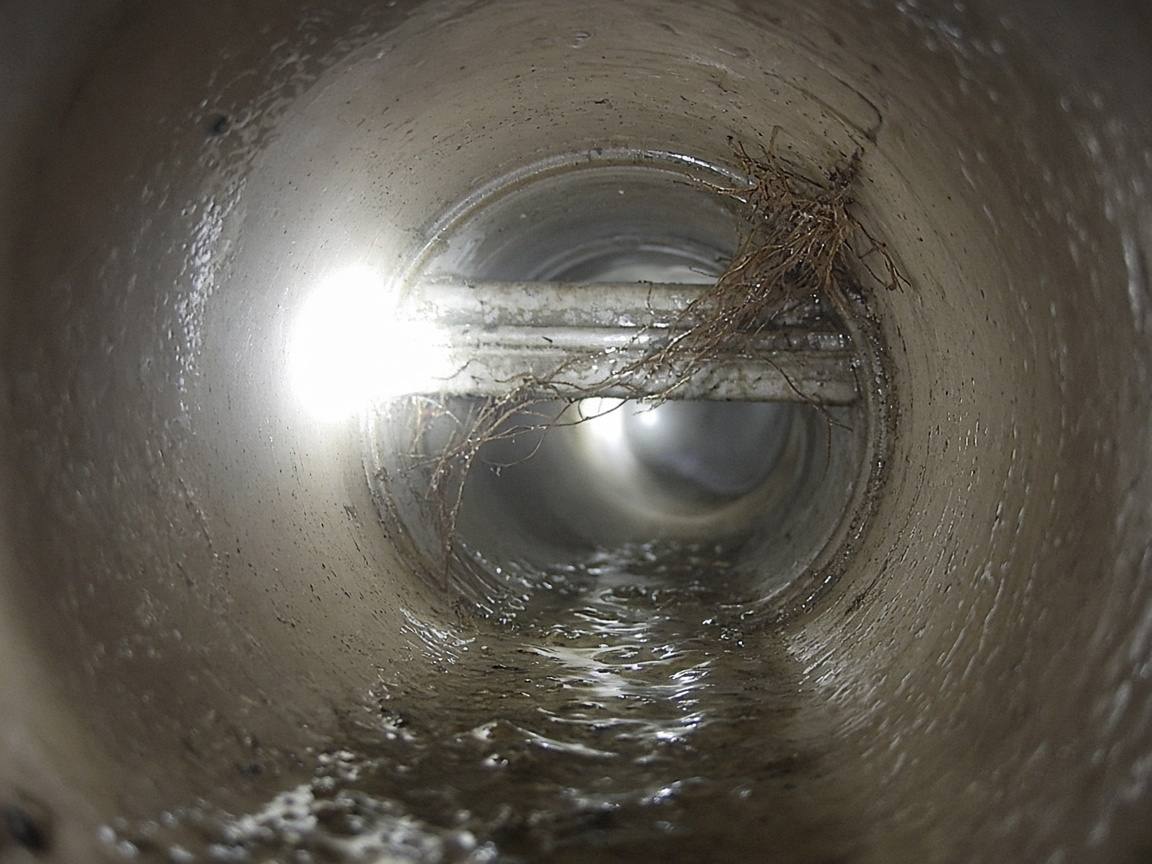
After the run
- Wipe and dry the head and rod; grit kills seals.
- Rewind under light tension so the next push does not kink.
- Offload video the same day; label address + date + defect distance.
- Rinse gloves/tools; treat wastewater as contaminated.
Safety
Non-negotiablesGloves and eye protection. No open cuts in wastewater. Stop for electrical/gas surprises. Do not enter confined spaces you are not trained for.
Next: how to read common defects.
Frequently asked questions
What if the camera will not advance?
Stop forcing. Pull back slightly, reduce LED glare, try a gentle twist, and reassess. A hard stop may be a collapse, heavy roots, or an offset—forcing can strand the head.